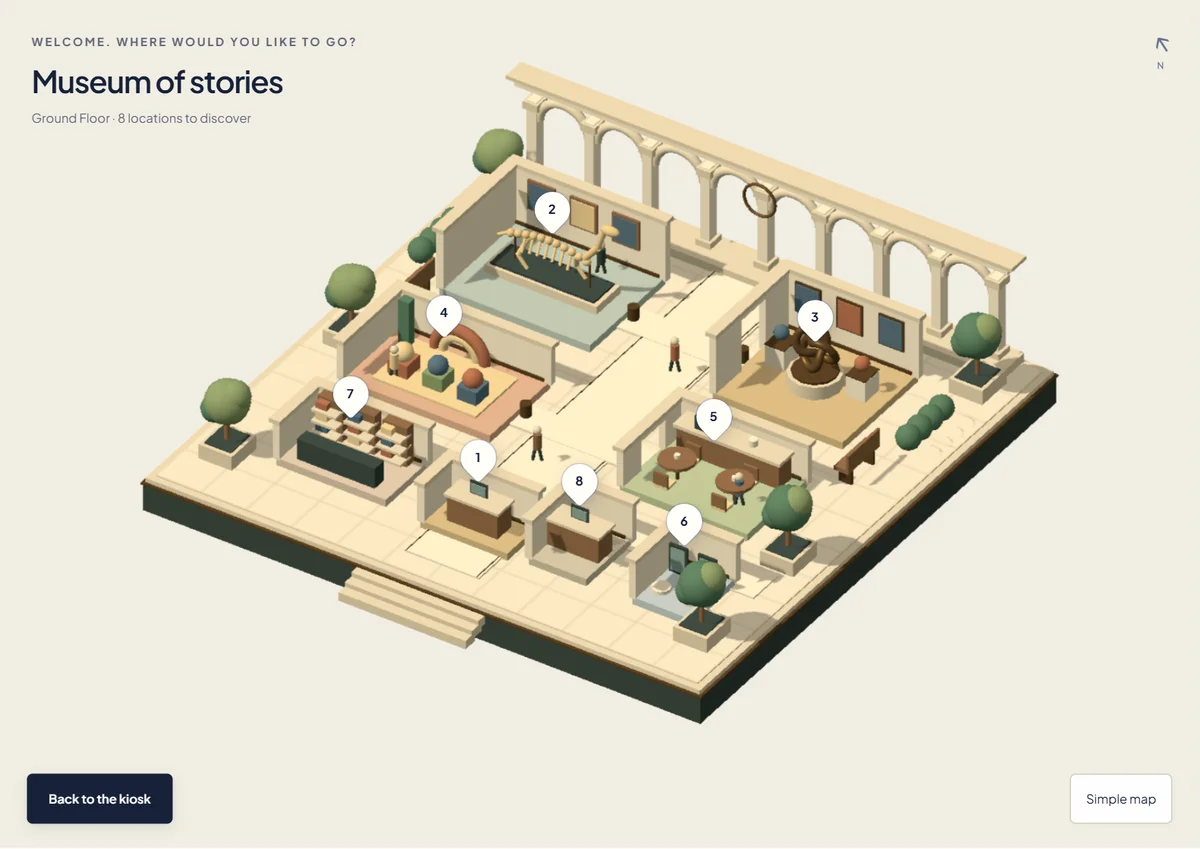
01ORIENTATION & DISCOVERY
A space worth exploring.
Choose a destination, explore an exhibition and follow the route from the entrance. A 3D map brings the museum, its spaces and visitor services together.
Explore the 3D mapSolutions
An interactive kiosk is a touchscreen station that helps people explore information, find a destination or discover a story at their own pace. We design the interface, software and hardware around the place where it will be used.
Get a quote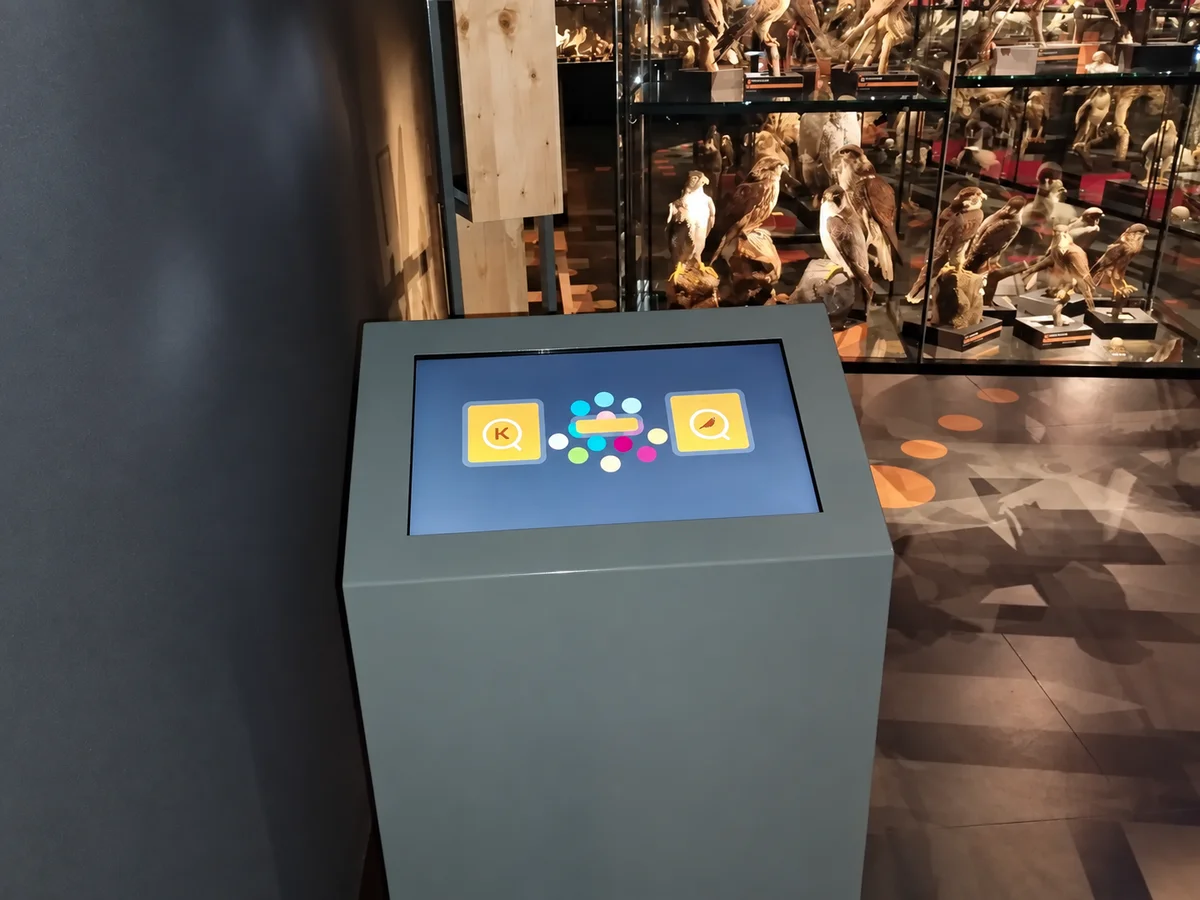 Information worth touching.
A museum may need a digital collection and a children's trail. A company reception may need a product presentation or a building directory. A visitor centre may need a local map and points of interest. The information structure comes first; screen size, enclosure and controls follow the task.
A useful kiosk starts with what the visitor needs to do. The location, content and day-to-day operation then determine the screen and software.
Let visitors explore objects, listen to recordings or choose a short game. For the Tatra Truck Museum, visitors select a vehicle on the screen and hear its engine.
See the touchscreen audio experience at the Tatra Truck MuseumHelp people find a department or explore a product range. We plan the navigation around the questions visitors bring to the screen.
Bring maps, local information and language choices together at one point. A mobile QR guide can complement the kiosk when visitors continue into the venue or outdoors.
Explore mobile guides with QR codesThe quote depends on the screen and enclosure, custom software, content volume, languages and installation. We also agree which content preparation, training and ongoing support are included. Send us the intended location, an outline of the content and your budget range to start the proposal.
Offline operation is agreed for each installation. Locally stored content can be designed for use without a connection; live data and online services need a network. We clarify these requirements before choosing the software and hardware.
We define which texts, images and language versions your team needs to edit. The proposal includes the editing workflow and training appropriate to the project. The way updates reach each screen is agreed according to its connectivity.
We agree installation, testing, staff training and the scope of support before delivery. If you already have a touchscreen, we first check its operating system, resolution and touch performance before proposing reuse.
EXPLORE THE POSSIBILITIES
Explore a 3D navigation map, try a museum quiz or discover the human body. Open a demonstration to test the controls and see how the content works.
01ORIENTATION & DISCOVERY
Choose a destination, explore an exhibition and follow the route from the entrance. A 3D map brings the museum, its spaces and visitor services together.
Explore the 3D map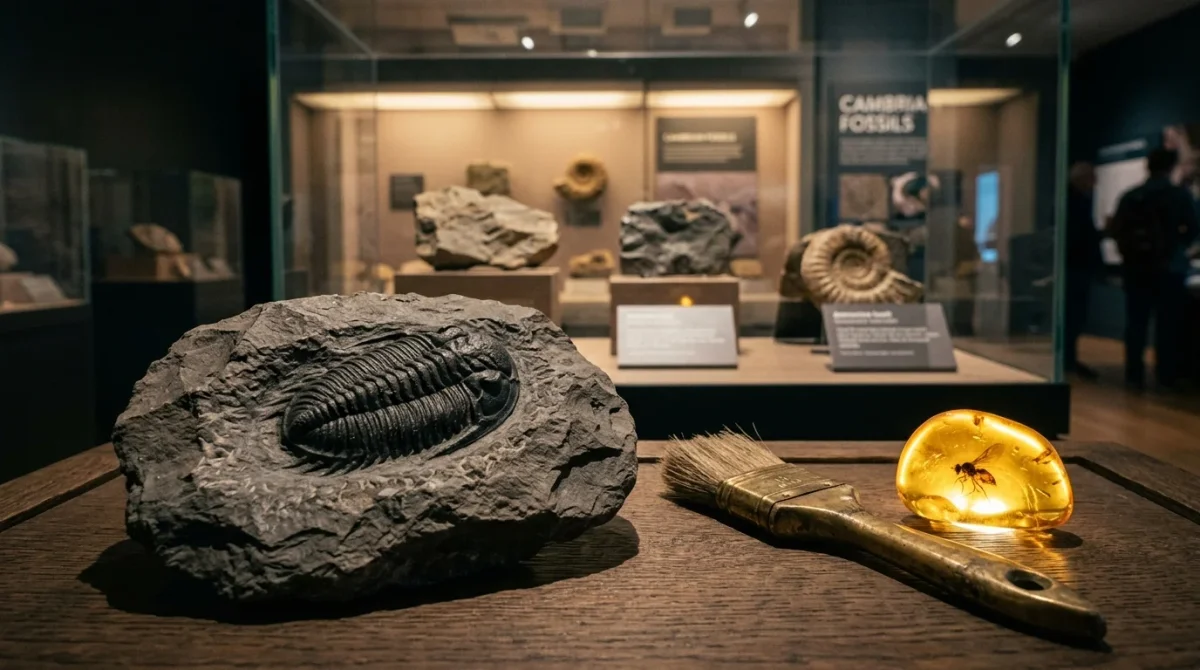
02MUSEUM QUIZZES & GAMES
Uncover a trilobite, investigate artworks or explore mechanics in 3D. These museum quizzes turn discovery into interactive tasks.
Try the museum quizzes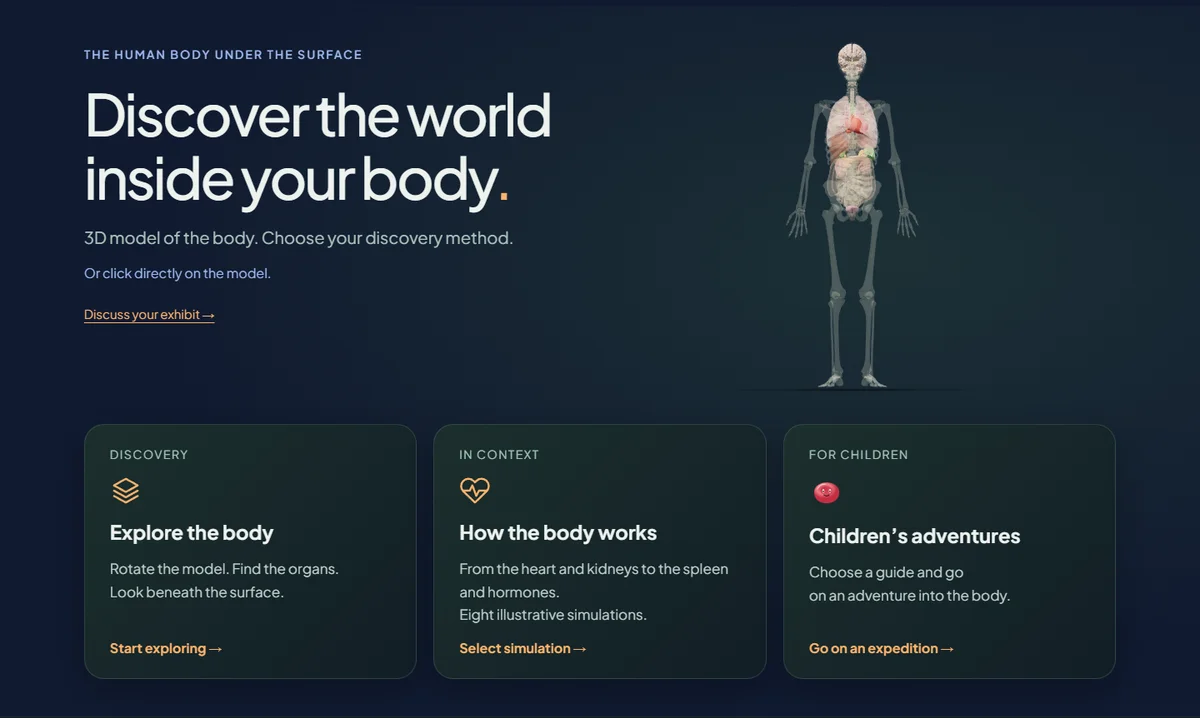
033D body
Select an organ, look beneath the surface and explore eight educational simulations. Try the anatomy exhibit and discuss a version for your museum or learning space.
Open the 3D anatomy exhibitInteractive KioskInteract demos in English.
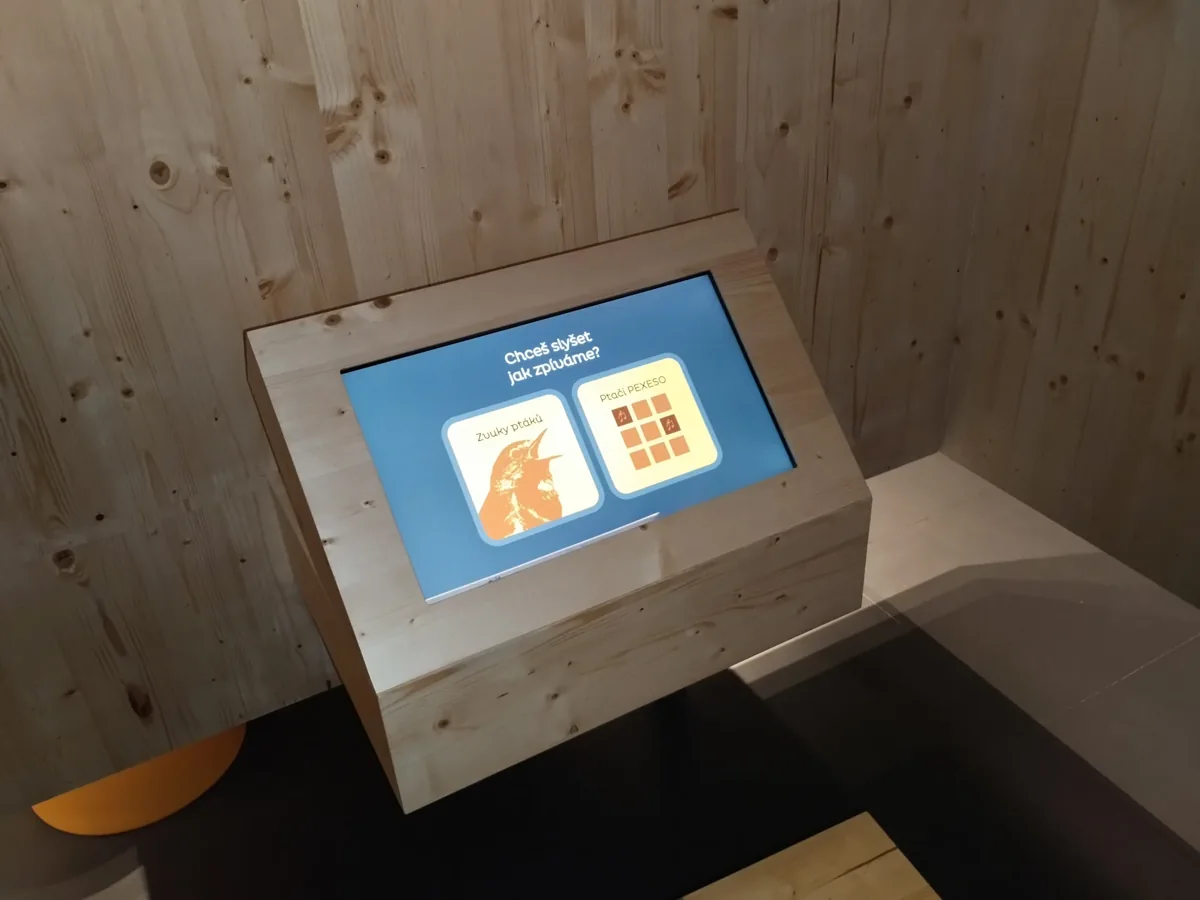 SELECTED EXPERIENCEORNIS PřerovSound-based memory games, a quiz and bird information for a specialist exhibition.View project
GOOD QUESTIONS
Often, yes. We first check the operating system, resolution, touch input and available performance. Hardware compatibility is confirmed before a proposal.
Content editing is part of the proposed software setup. We agree which sections your team will maintain and provide training.
YOUR NEXT INTERACTION STARTS HERE
Tell us what you want people to discover. We'll help you find the right way to make it happen.
Get a quote