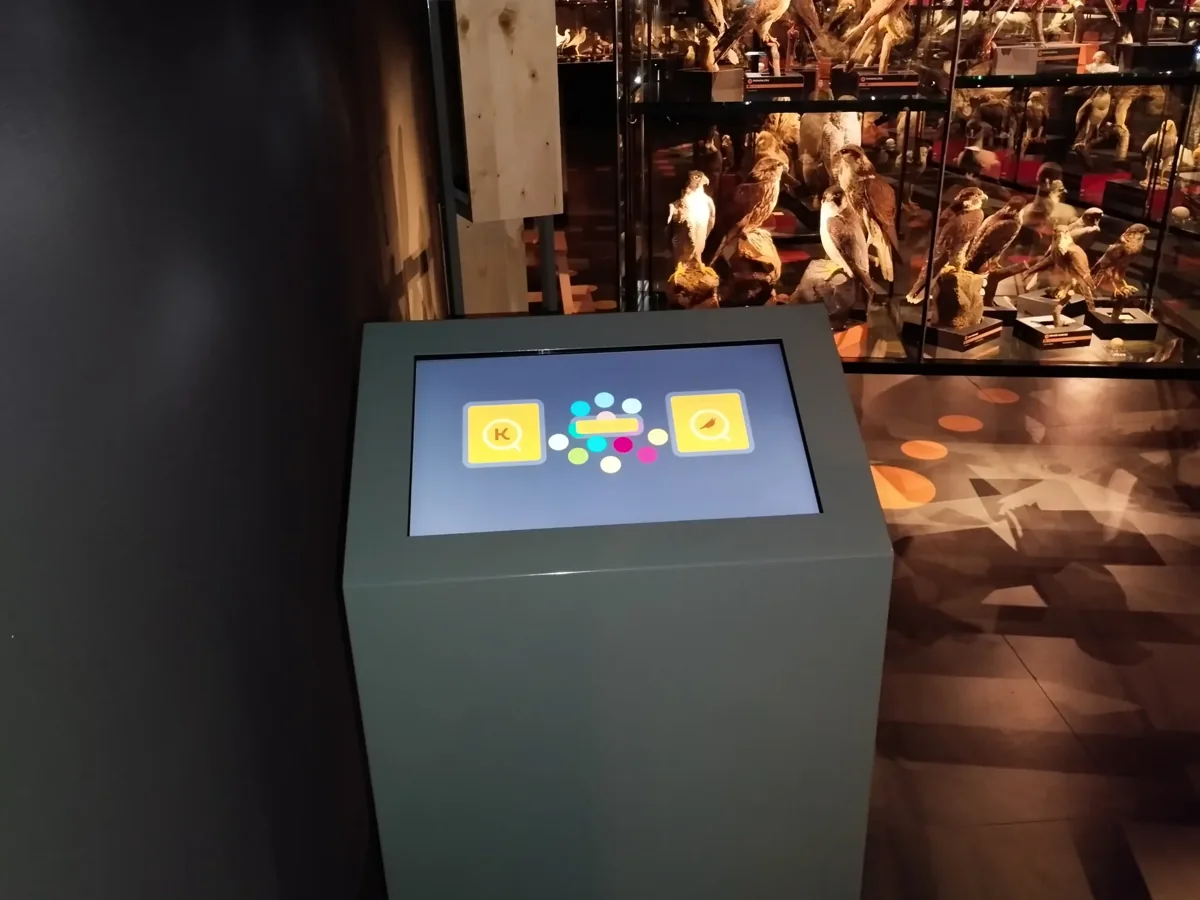
Choose the task before the screen. A museum kiosk needs a clear starting point, manageable content and a location where people can stop comfortably. Compare the complete installation: interface, enclosure, power, sound, updates and support. Test a small working example with visitors before committing to a larger content programme.
Give the first tap a purpose
Replace a long welcome page with a meaningful choice: listen to a sound, compare two objects or open a map. Keep the first interaction short, then offer more detail. At ORNIS in Přerov, our software combines bird calls, a sound memory game, a quiz and a bird database on kiosks supplied by a partner. The content gives visitors something specific to do.
Test the interface in its real setting
Check glare at the actual installation point, room noise, viewing height and access while seated. Leave space for companions and people passing by. Offer readable text and alternatives to sound-only content. W3C guidance covers contrast, captions and input accessibility; physical reach and the surrounding gallery also need a site-specific review.
Plan the morning after launch
Name the person who updates texts and approves each language. Agree how the kiosk returns to its starting screen, what happens after a power interruption and who can restart it. Offline operation must be specified and tested; it is not guaranteed by the presence of a touchscreen. Include software, enclosure, content work and support when comparing proposals.
Before you request a proposal
- Write one visitor task and show the content needed to complete it.
- Send photographs and dimensions of the intended location, including power and network access.
- List languages, media rights, accessibility needs and the person responsible for updates.
- Ask for a prototype, restart procedure and clearly defined support responsibilities.
Questions worth asking
Does a larger screen make a better kiosk?
Only when the content, viewing distance and space justify it. Start with a readable prototype at the intended height; size alone does not solve navigation or accessibility.
Can we use an existing screen?
Possibly. The touch interface, computer, mounting, operating system and service access need checking before compatibility can be confirmed.
Turn the idea into a brief
Send us your visitor task, a few sample objects and photographs of the space. We can discuss a kiosk brief with a defined content scope rather than starting with a screen catalogue.