Museum kiosk software: what works offline?
Plan museum kiosk software that works without internet. Compare ways to publish content and use a cold-start test to check it before handover.
Read the guideKIOSKINTERACT
Practical guides to touchscreen kiosks, QR tours, photo booths and exhibition control. Plan the visitor experience, equipment and daily operation.
Plan museum kiosk software that works without internet. Compare ways to publish content and use a cold-start test to check it before handover.
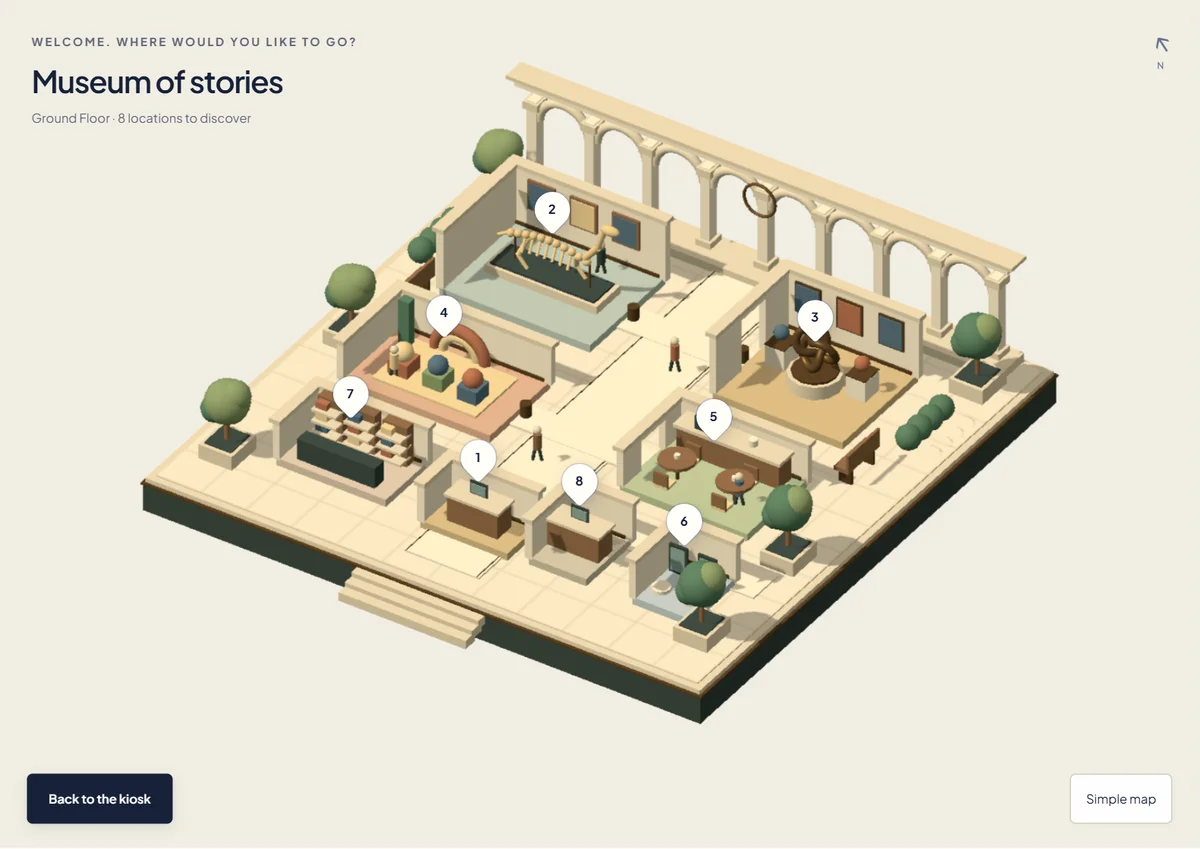
Read the guideDesign a touchscreen museum map around real routes. Choose when to use 2D or 3D, plan step-free directions and test the map against your signs.
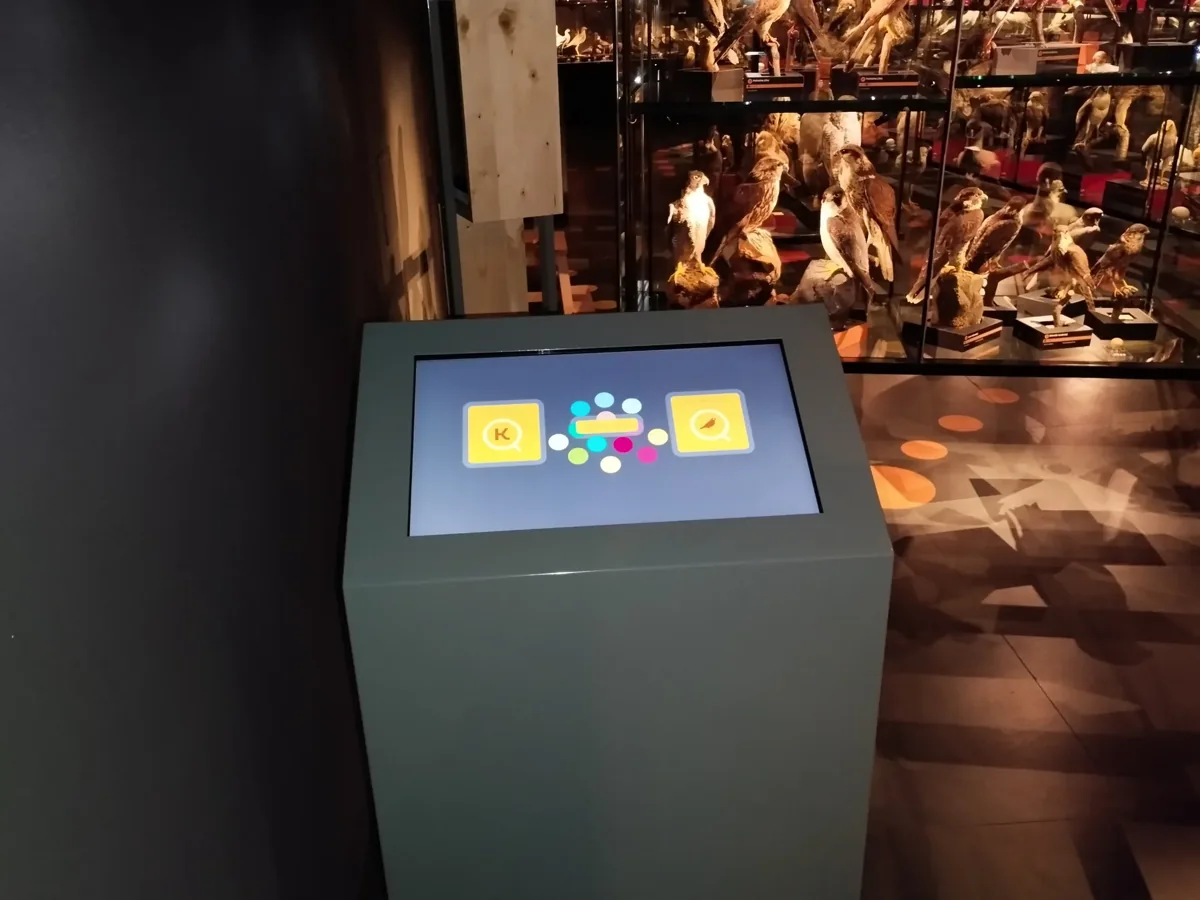
Read the guideChoose a museum kiosk around one visitor task. A practical checklist for content, accessibility, location, offline operation and support.
Read the guideCompare a QR guide on visitors’ phones with a shared museum kiosk. Consider group visits, connectivity, accessibility and content upkeep.
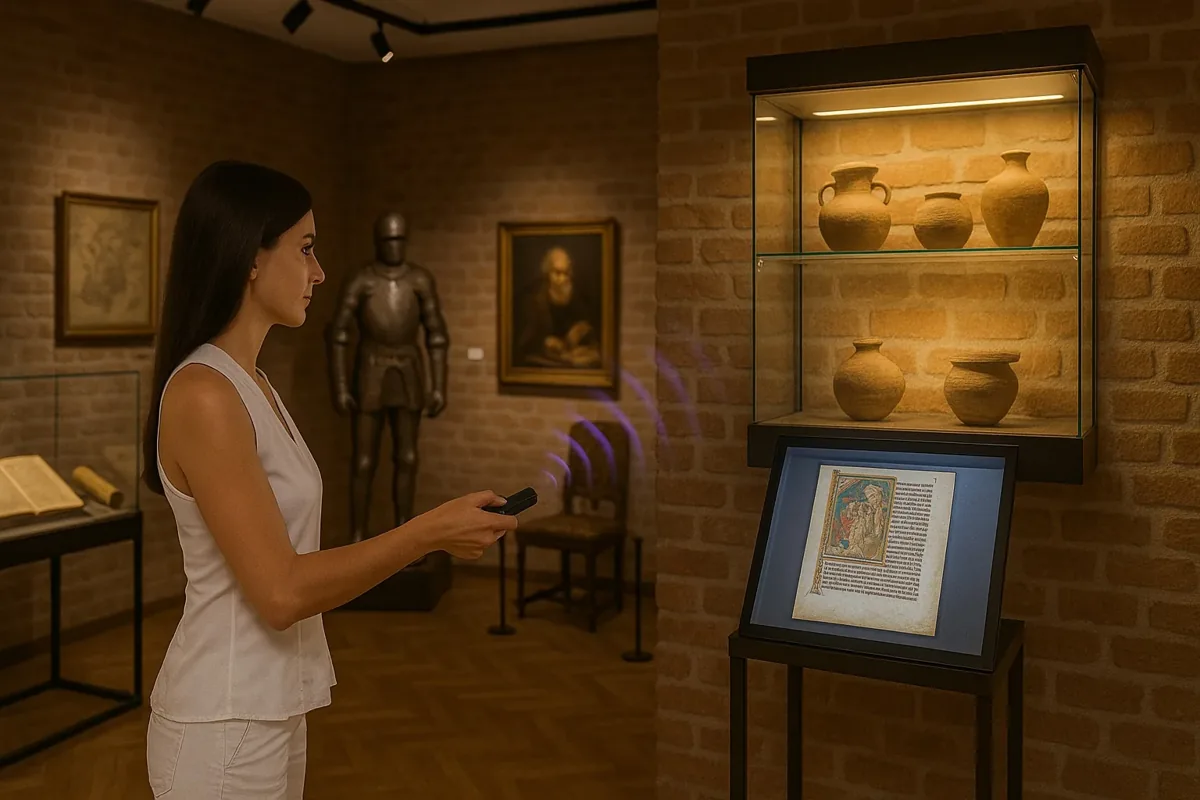
Read the guidePlan lights, sound and video around daily museum operation. Define scenes, device compatibility, manual control and recovery before installation.
Read the guidePlan an interactive photo booth around visitors: theme, camera position, lighting, photo delivery, queues and everyday support.
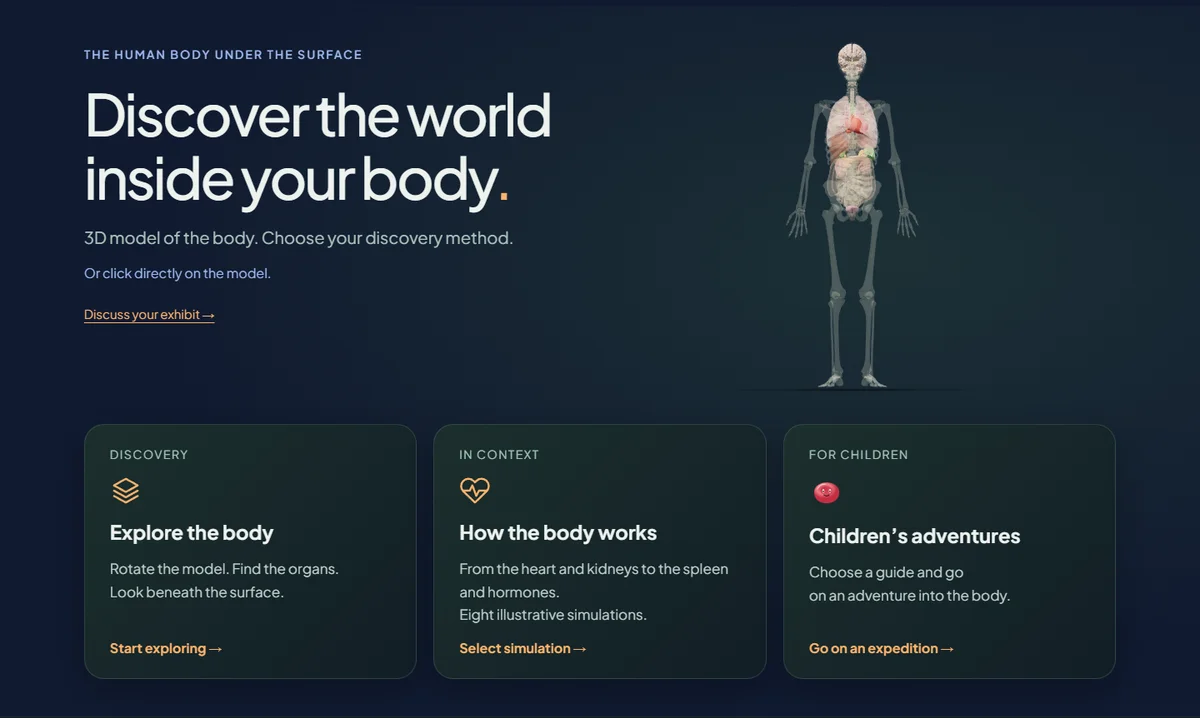
Read the guidePlan an interactive 3D museum exhibit: choose the right model, explain hidden details, check licences and test touchscreen controls with real visitors.
Read the guideBuild educational museum games around real exhibits. Plan questions, feedback, touchscreen controls, languages and visitor testing before commissioning a quiz.
Read the guide